Separate the artwork file from the room mockup
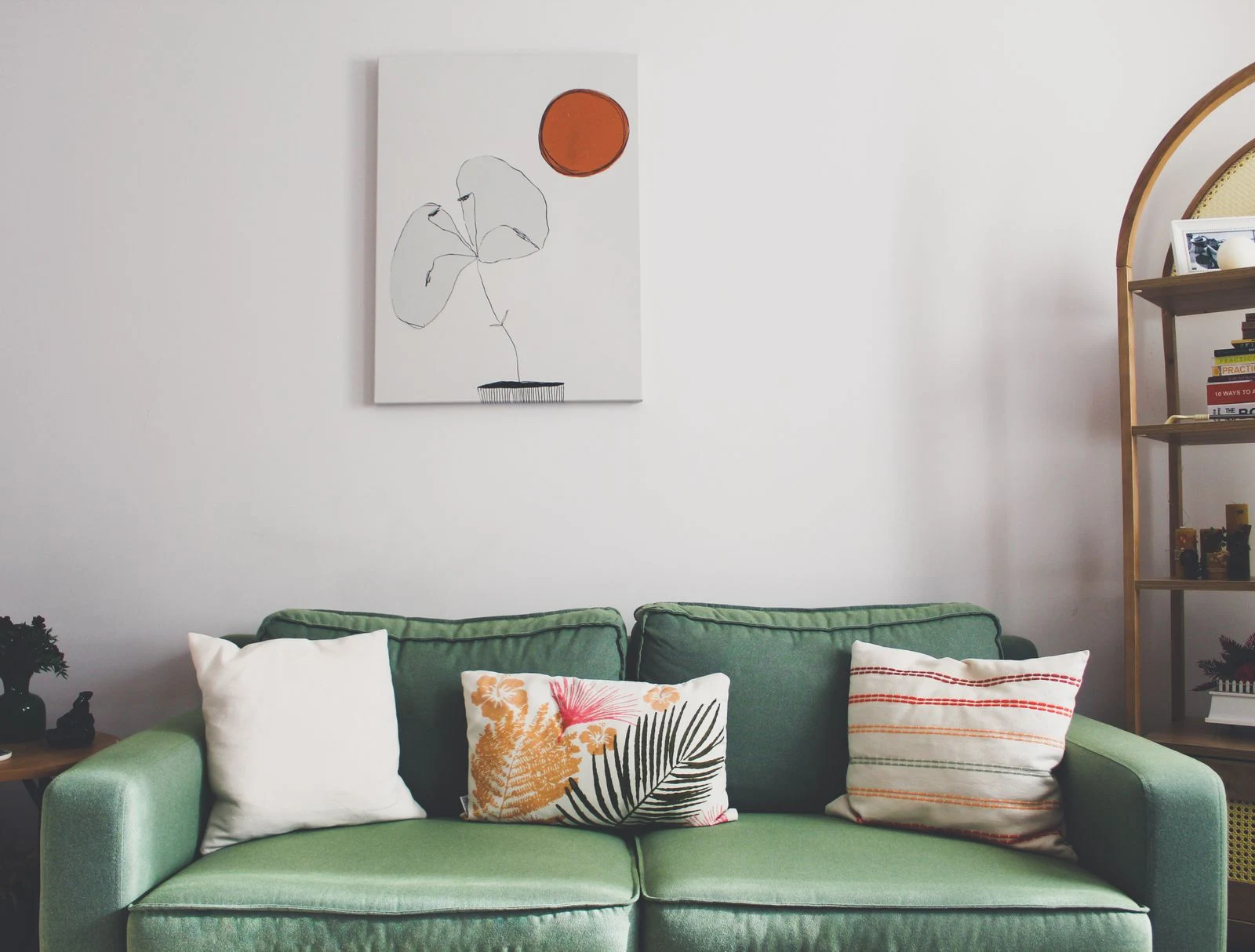
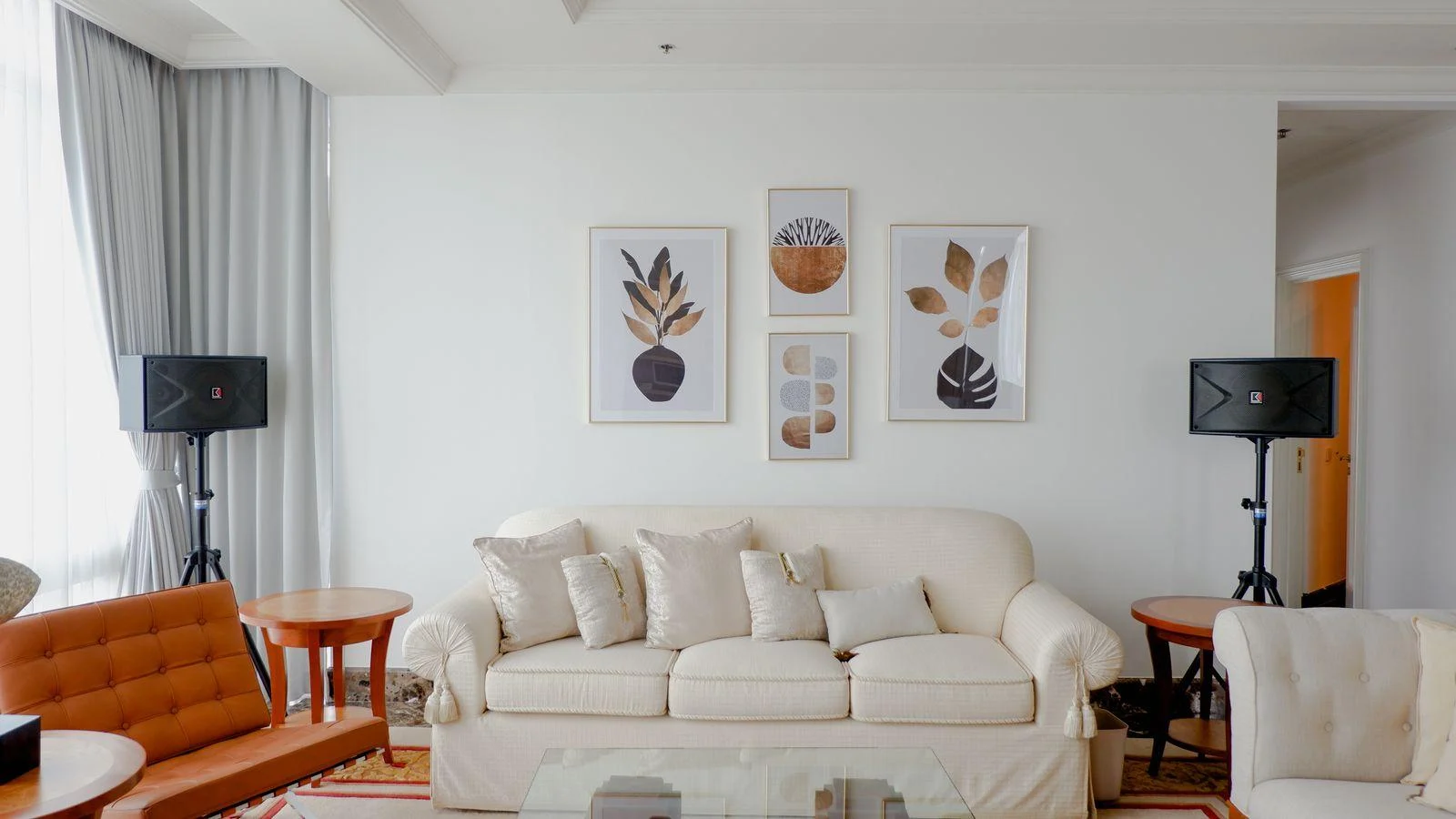
Look for an image of the full artwork without furniture, shadows, or a simulated frame. Styled room pictures are useful for suggesting a setting, but their scale may not represent the exact size you are considering. Check the numerical dimensions independently and make a paper outline for your wall.
Compare the image crop in each listing photograph. A room mockup may show a different ratio, border, or framing option. If the same title is offered in several sizes, ask whether the image is cropped for each ratio or printed with different margins. A crop can remove a detail that was central to your interest.
Identify the color decisions that matter
You do not need a perfect screen-to-paper match to buy a print you enjoy. You do need to know when a small color shift would change your decision. A print purchased specifically to sit beside a particular green fabric deserves closer checking than a broadly monochrome drawing with no required match.
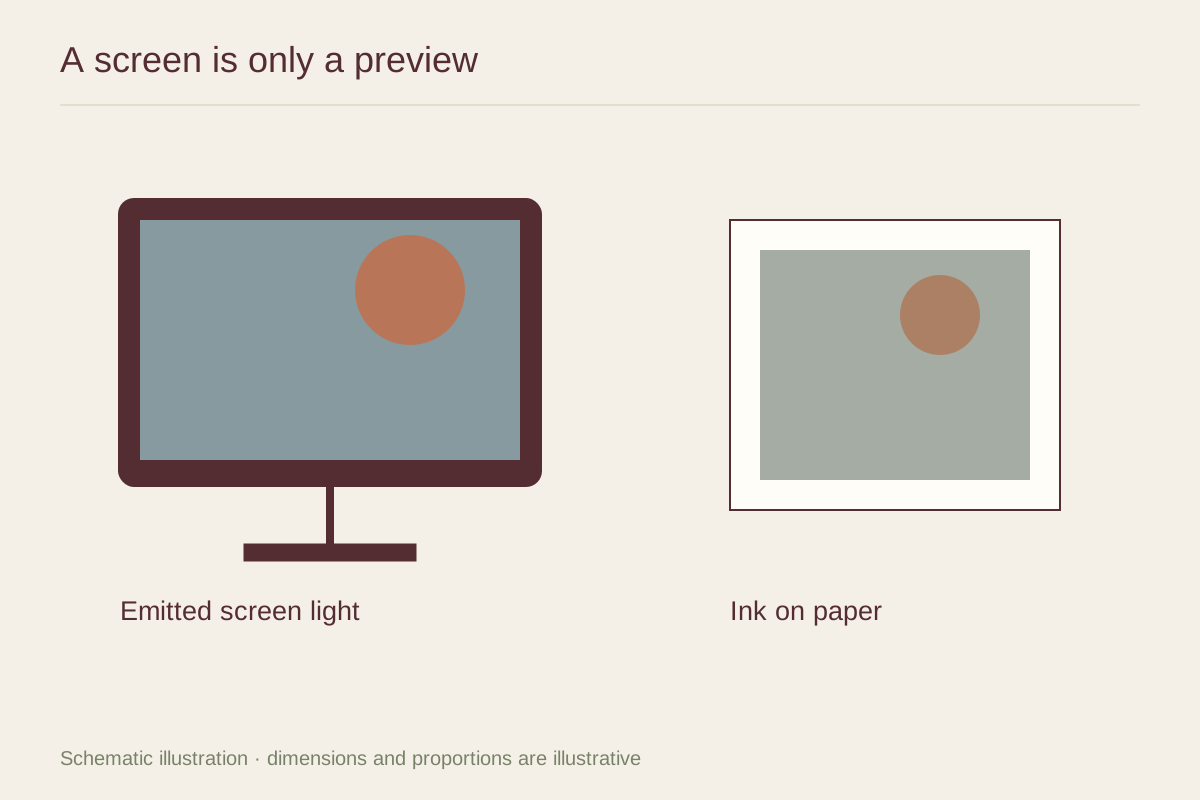
Turn off optional screen filters that deliberately warm or tint the display while you compare previews, but do not mistake that step for color calibration. Different devices can still show different results. Viewing a listing on a second screen may reveal uncertainty; it cannot establish which screen is accurate.
Ask whether the seller offers a paper sample, a small proof, or an actual photograph of the printed work in neutral light. A sample of blank paper can reveal warmth, texture, and sheen, while a printed sample gives more information about the inks and shadow detail. Know which type you are receiving.
Look for the material evidence
Read the paper description and ask for a close-up of the surface. Smooth paper, textured fine-art paper, and canvas can change the character of the same image. Texture may soften the impression of fine marks or become a visible feature in a large area of pale color.
Check whether the preview includes a mat that is not part of the product. A digital white border may represent printed paper, an optional mat, or merely the background of the website. Confirm the sheet size, image size, border width, and the exact contents of the order.
Understand what a detail crop can prove
A magnified image file can show the source artwork's detail, but it does not prove that the physical print retains that detail. Ask for a photograph of an actual print or a full-size detail proof when buying a large piece whose appeal depends on texture or sharp edges.
Some artworks are intentionally grainy, soft, or visibly pixelated. The question is not whether every edge is crisp. It is whether the printed result reflects the intended appearance and whether you like that appearance at the distance from which you will view it.
Make the purchase with the uncertainty stated
Before ordering, read the return terms for the specific size and framing option. Custom framing or made-to-order products may be treated differently from an unframed stock print. Keep the listing, dimensions, and written answers so you can compare the delivered item with what was described.
When the print arrives, inspect it in diffuse light before removing protective packaging beyond what the seller allows for returns. Compare the full sheet, crop, border, and condition first. A modest difference from a glowing screen is expected; an unexplained change in product dimensions or image content is a separate issue worth raising promptly.