Choose the rectangle's orientation
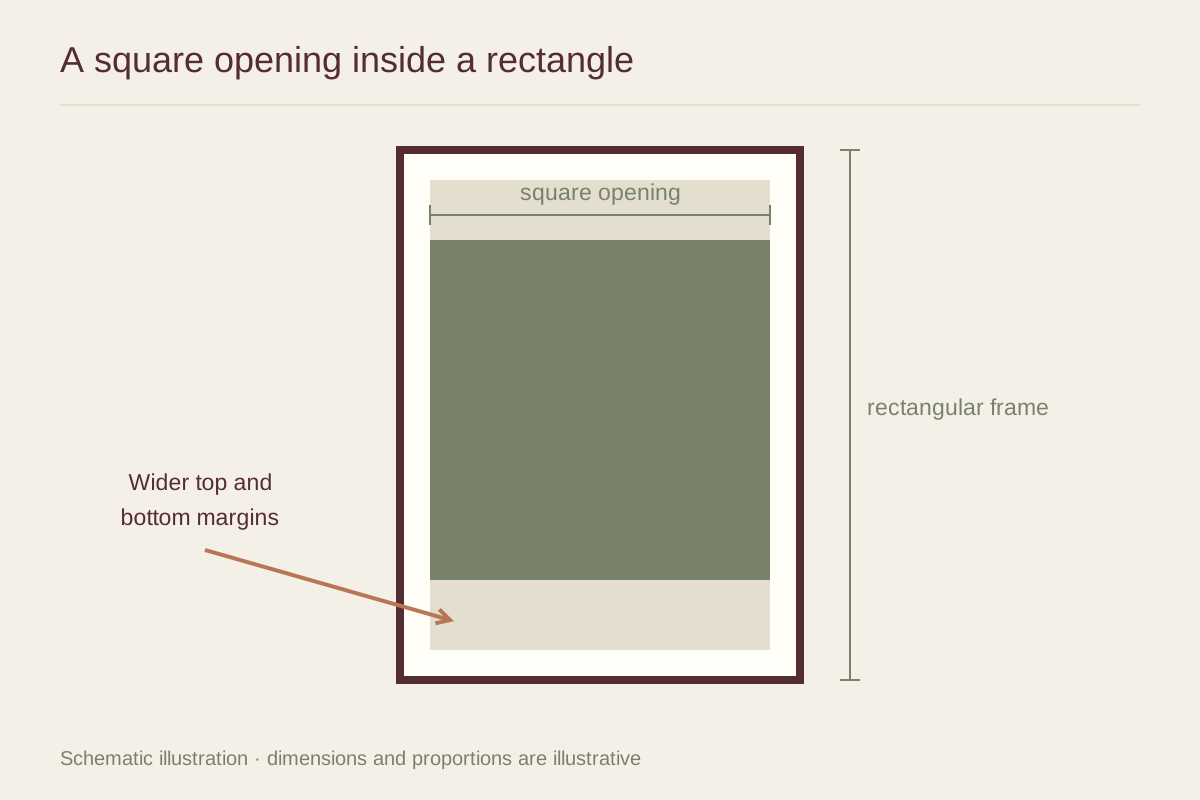
A portrait frame leaves more space above and below the square. It can suit a narrow wall or give a small image the feeling of a page. A landscape frame leaves more space to the sides and may relate better to a low cabinet. Test both orientations with a square paper image before ordering a mat.
The outside frame dimensions should serve the wall, while the mat opening serves the print. Keep those decisions separate. A rectangle that fits perfectly between two doors may still have proportions that overwhelm the square at its center.
Calculate a starting layout
For a 6 by 6 inch visible opening in an 11 by 14 inch mat, centered horizontally and vertically, the side margins are 2.5 inches and the top and bottom margins are 4 inches. This is a layout example, not a cut specification: the actual opening must account for the sheet, image border, and appropriate overlap.
You can shift the opening slightly upward if you prefer a deeper lower margin. Make a full-size paper version first; a large shift can make the square look stranded near the top. Avoid adding a caption or ornament simply to fill the extra space. Empty mat can provide the entire purpose of the rectangular format.
Protect the original shape
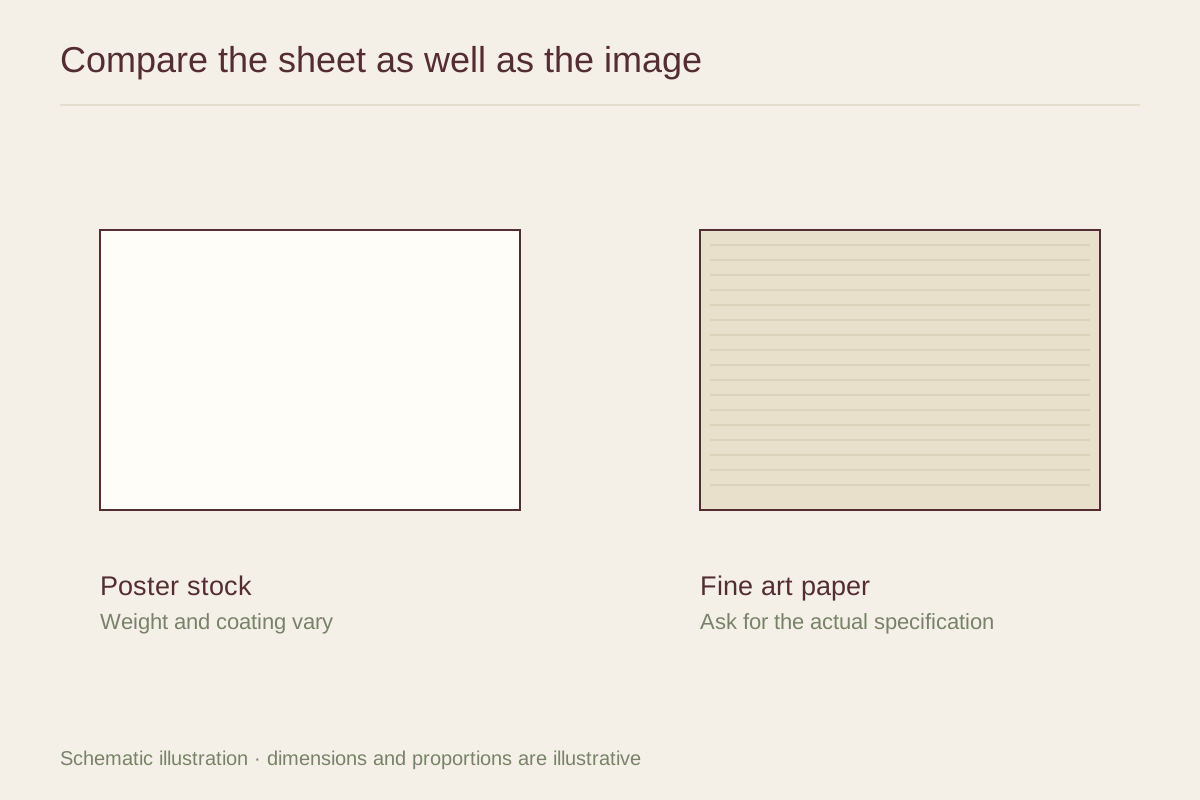
Ask the mat cutter to confirm which dimensions describe the visible image and which describe the paper. A square image on a larger rectangular sheet may already fit a common frame size, but the opening still needs to be placed correctly. If a signature is below the square, decide whether it belongs inside the window.
Never resize a digital square by independently changing its width and height. That distorts circles, faces, and proportions. If printing your own file, preserve the aspect ratio and add surrounding space instead. Once the frame is assembled, view it beside nearby rectangles such as shelves and windows. The square can create a quiet pause within those longer lines without matching their shape.